
When your Kia Seltos refuses to show the view behind you, backing out of a parking space becomes less convenient and can be less safe. The display might stay black, flicker, or show a blurry image even though the rest of the infotainment system works.
Fortunately, a missing reverse camera image doesn’t always mean the camera needs replacing. A dirty lens, display settings, electrical problems, or a faulty camera can cause similar symptoms. Finding the right clue first helps you avoid unnecessary repairs.
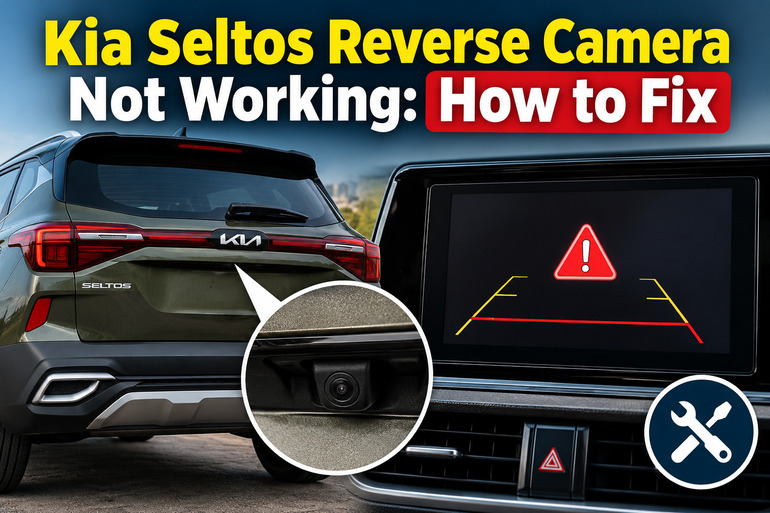
Why Your Kia Seltos Reverse Camera Isn’t Working
The Kia Seltos reverse camera, officially called the Rear View Monitor (RVM), helps you see the area behind your vehicle while reversing. When you shift into Reverse with the vehicle on, the camera sends a live image to the infotainment screen. Depending on your model and equipment, the display may also show parking guidelines that help you judge your position.
When something goes wrong, the symptoms can vary. Sometimes the screen switches to the camera view but remains completely black. You might also see a blue or green image, experience intermittent flickering, or notice that the picture looks cloudy. In other cases, the screen continues displaying the radio or navigation interface instead of switching to the rear camera.
These differences matter because the camera, infotainment display, electrical connections, and gear selection signals work together. For example, a functioning touchscreen with no camera image suggests a different problem from a display that won’t turn on at all. Similarly, parking sensors that continue beeping don’t necessarily prove the camera is receiving power, since the systems use different components.
A malfunctioning camera deserves attention because it removes a useful view of obstacles behind your vehicle. Kia also warns that even a functioning rear camera cannot show every area behind the Seltos. Until the problem is resolved, check behind your vehicle directly, use your mirrors, and avoid reversing whenever you cannot confirm that your path is clear.
Kia Seltos Reverse Camera Not Working: Common Causes
Several problems can prevent your Kia Seltos reverse camera from displaying a clear image. Some involve the camera itself, while others affect the electrical or infotainment systems that allow it to operate.
1. Dirt, Road Debris, or Moisture Covering the Camera Lens
The reverse camera sits at the rear of your Kia Seltos, where it’s exposed to road dust, rain, mud, and other debris. Over time, these materials can collect on the lens and interfere with the picture. A thick layer of dirt can make the image extremely dark, particularly when you’re reversing at night.
Water droplets can also distort the picture by scattering light, while dried water spots and road film may create a hazy appearance. During colder weather, frost or condensation on the outside of the lens can temporarily reduce visibility.
A dirty lens usually produces a blurry, cloudy, or partially obstructed image rather than preventing the display from switching to camera mode. If the screen remains completely black after cleaning, the problem may involve something else. Kia specifically recommends keeping the camera lens clean to maintain normal operation.
2. Infotainment System Glitches
Your Seltos infotainment system receives and displays the video feed from the reverse camera. If the software freezes or fails to switch display modes correctly, the camera image may disappear even when the camera hardware is functioning.
You might notice that the touchscreen becomes slow, the display gets stuck on the Kia logo, or the camera starts working again after restarting the vehicle. These symptoms raise suspicion of a software or display problem, although electrical faults can produce similar behavior.
A temporary system restart may restore normal operation. However, repeated freezing, especially when accompanied by other infotainment failures, deserves further diagnosis rather than assuming a software update will solve everything.
3. A Faulty or Water-Damaged Reverse Camera
The camera module contains electronic components that capture images and send video signals to the infotainment system. Like other electronic components mounted outside a vehicle, it can deteriorate from moisture intrusion, corrosion, physical damage, or internal electrical failure.
A failing camera can produce different symptoms depending on which component is affected. The picture may flicker, become distorted, display unusual colors, or disappear entirely. Kia’s Seltos documentation identifies green, blue, and black images as possible signs of Rear View Monitor malfunction.
Moisture trapped inside the camera housing is another useful clue. If the lens looks foggy behind its protective surface, particularly after rain or washing, the housing seal may be compromised.
Repeated internal fogging or visible cracks suggest that cleaning the outside won’t resolve the underlying problem. A technician may need to replace the camera assembly after confirming that its power supply and wiring are functioning.